 Audio Recorder
Record High-Quality Audio in Multiple Formats
ApowerShare Audio Recorder is a simple yet powerful tool for Mac that lets you record audio from any app. You can capture sound from browsers like Safari, Firefox, and Chrome, as well as apps like Skype, iChat, iTunes, VLC, QuickTime, and FaceTime. It also lets you record music from streaming services or grab audio from a microphone or CD player.

Capture Audio from Any App or Source on Mac
ApowerShare Audio Recorder for Mac is a powerful yet easy-to-use tool that lets you record high-quality audio from virtually any source on your Mac. It supports a wide range of applications and devices, making it perfect for all your recording needs.

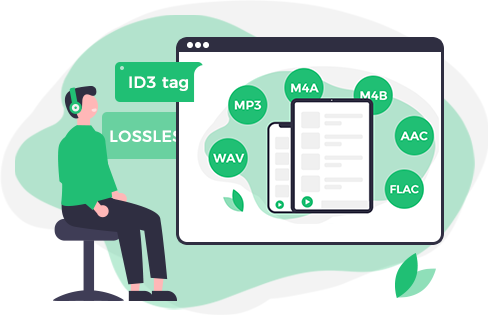
High-Quality Audio Recording in Multiple Formats
ApowerShare Audio Recorder for Mac delivers true and accurate sound recordings, letting you capture any audio on your Mac with ease. It supports a wide variety of formats to suit your every need.
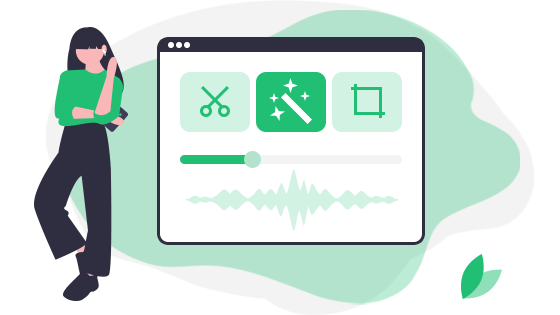
Flexible Audio Recording and Editing on Mac
ApowerShare Audio Recorder for Mac offers a fully customizable interface, giving you complete control over recording and editing your audio just the way you want. Whether you're trimming clips or scheduling recordings, everything is designed to be simple and intuitive.
Best Mac Audio Recorder for All Your Needs
ApowerShare Audio Recorder for Mac is an all-in-one solution for recording high-quality audio from any app or source on your Mac. Whether you're saving music, calls, or system sound, it offers powerful features in a simple interface.

Step 1. Launch Audio Recorder and Add Apps/Browser
Launch the software and click “Application” button to add any app that you want to record audio from.
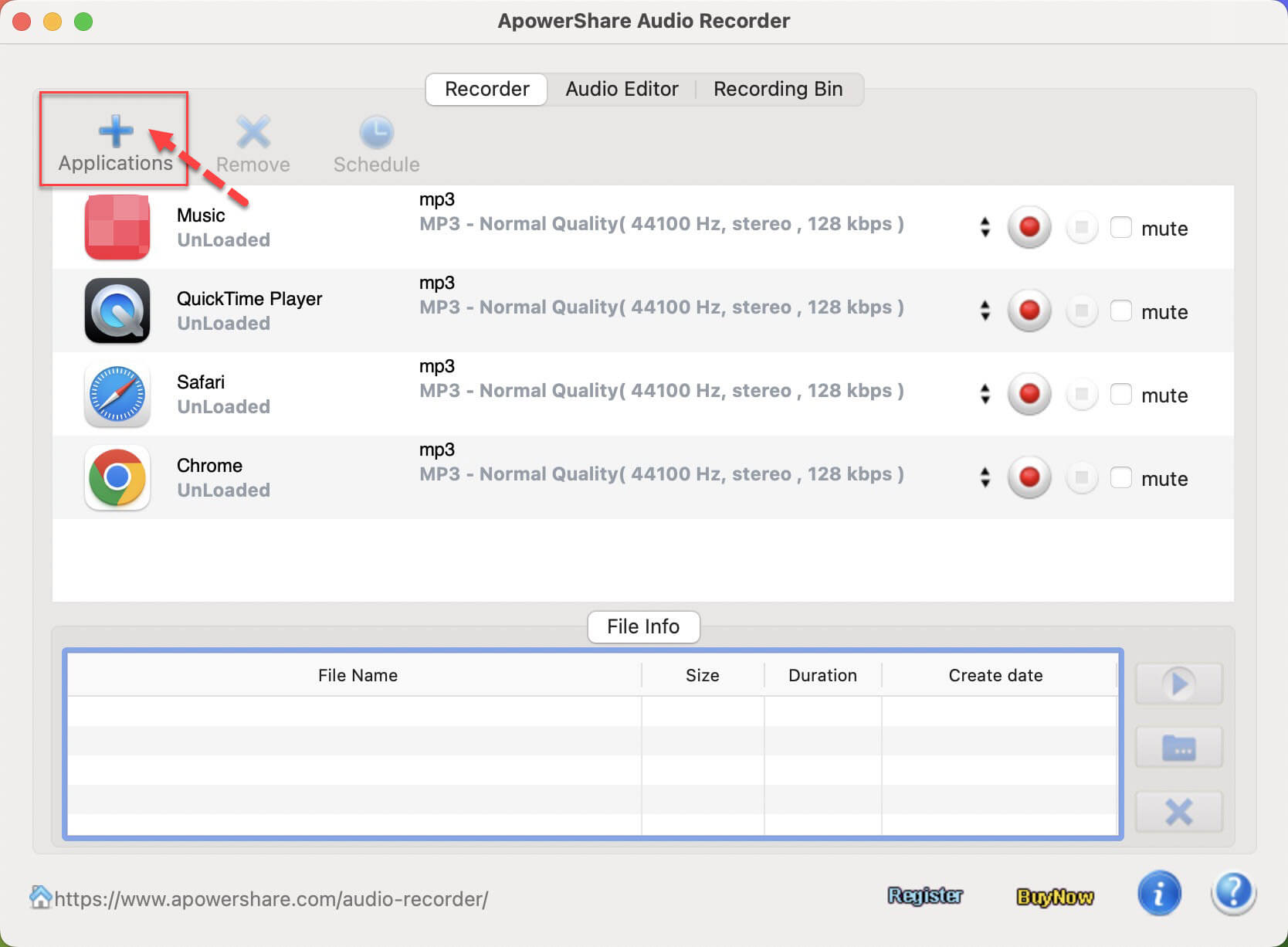
Step 2. Start Recording Audio While Playing Video/Audio in App/Browser
Open the app that you want to record from, then clicking “Record” icon, and start to play a audio/video in the App, the software start to record audio automatically from the app.

Step 3. Stop or End the Recording Process
Duding audio recording process, you can click the left icon to stop recording process, or clicking the right icon to end the whole recording process, you will get highest quality audio files.

Q1. What Are The Limitations of The Free Trial Version?
The trial period lasts for 13 days. After that, you’ll need to purchase a license and register the software to continue using it.
Q2. How Do I Activate ApowerShare Audio Recorder?
Open the software, and a free trial window will appear. Enter your registration code in the provided fields and click “Register” to activate. Alternatively, you can go to Help > Register, enter your registration code in the new window, and complete the activation.
Q3. Can I Transfer My License to Another Computer?
Yes, you can transfer your license to a different computer at no extra cost. To do this, please contact the ApowerShare Support Team with your valid order details. They will assist you in resetting your registration code so you can activate the software on your new computer.
Download. Share. Enjoy Your Video Freely

Secure
All data exchange during the payment process is SSL-secured.

Support
24*7 email support to ensure the shopping and using of our product.

Money-Back
Get the free trial before your purchase. We offer 30-day money back guarantee.

Update
We offer lifetime updates & services for all ApowerShare customers.
We Accept:

PRODUCTS
COMPANY
Copyright © 2025 ApowerShare All rights reserved.
 Video Splitter
 Video Joiner