 Video Splitter
 Video Joiner
 Audio Recorder
Part 1. How to Register ApowerShare Audio Recorder
ApowerShare Audio Recorder only offers a free trial for users to record the fist 3 minutes of each audio files. After the free trial expires(15 days), if you want to continue using the software to record full audio/music, you need to register the software to unlock all features. So how to purchase and activate the registered ApowerShare Audio Recorder? Here's the guide you need to follow.
STEP 1. Install and Launch ApowerShare Audio Recorder
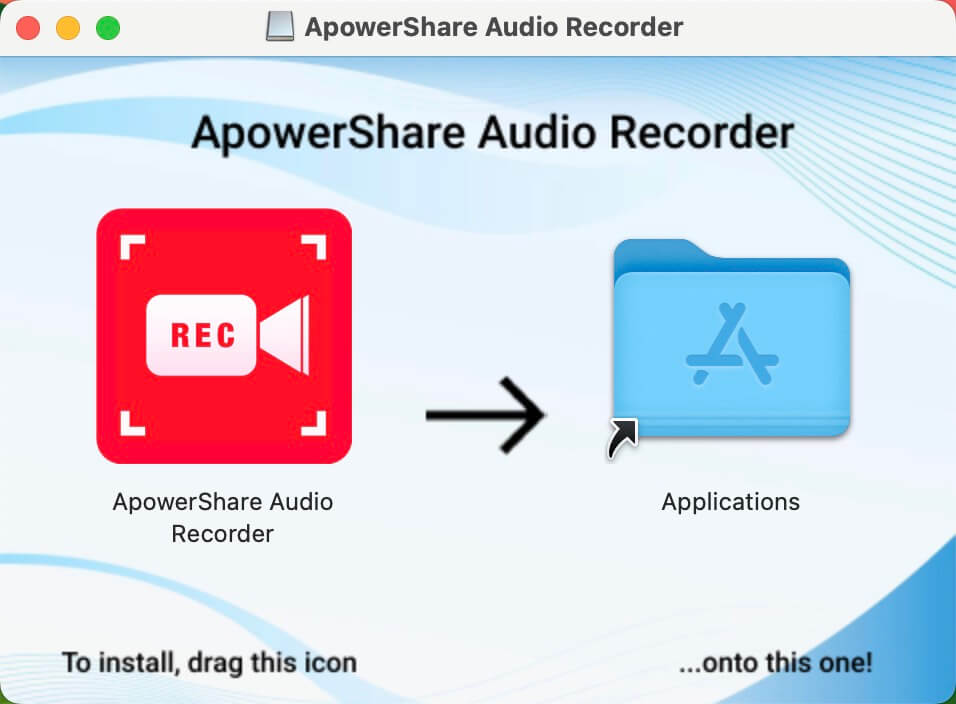
First all all, please click above download button to download the trial version, then double clicking the .DMG installing package, you can see below screenshot, please drag the software icon to the right to completed installing.
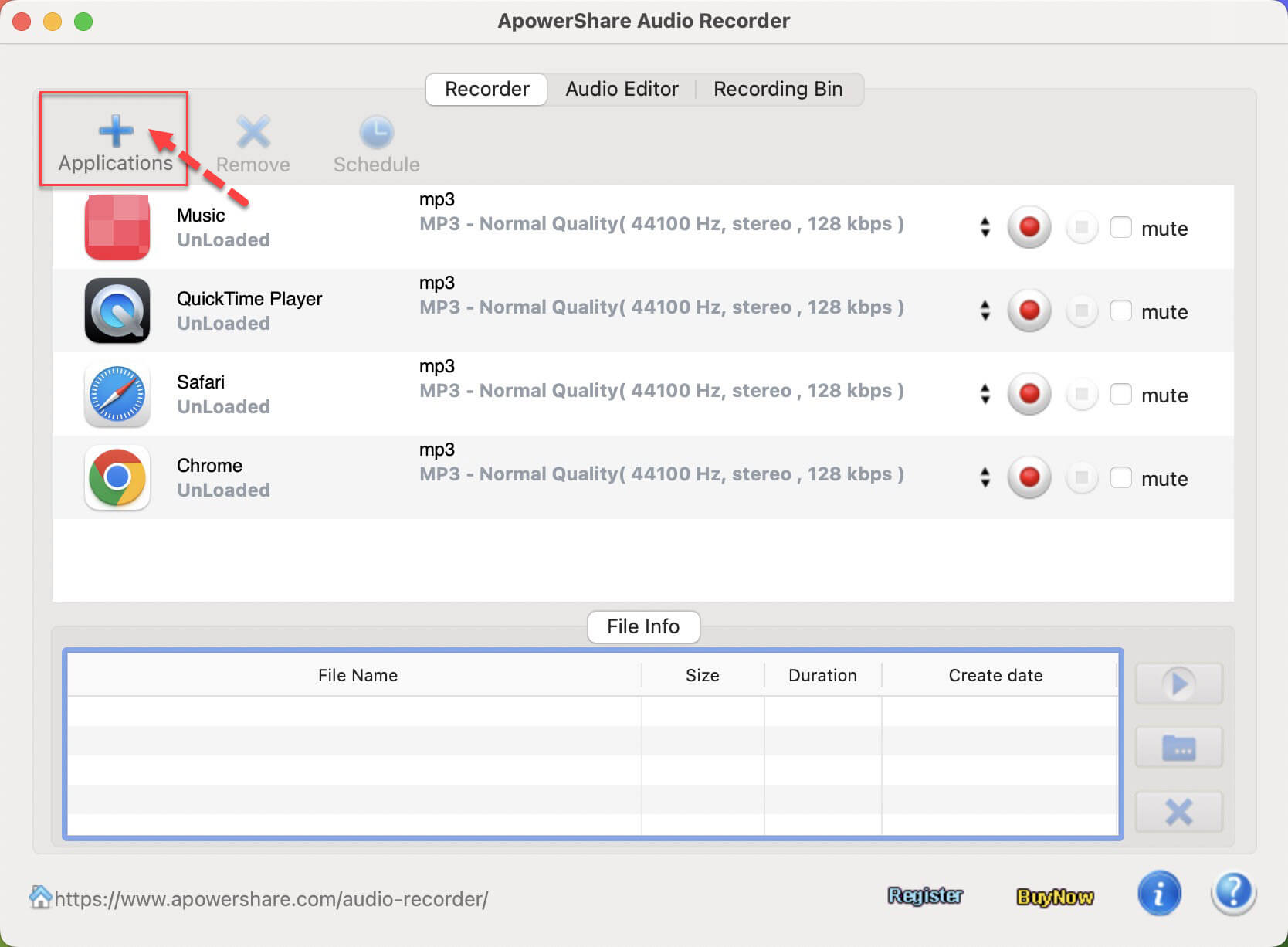
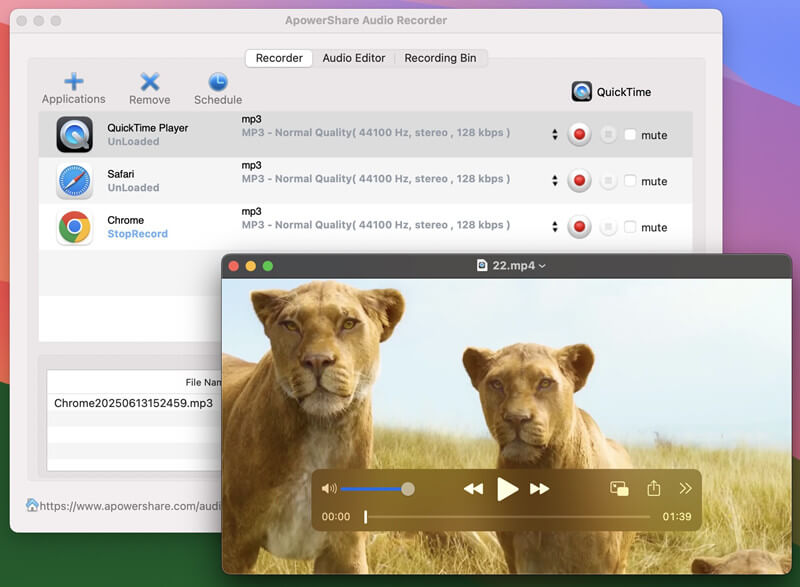
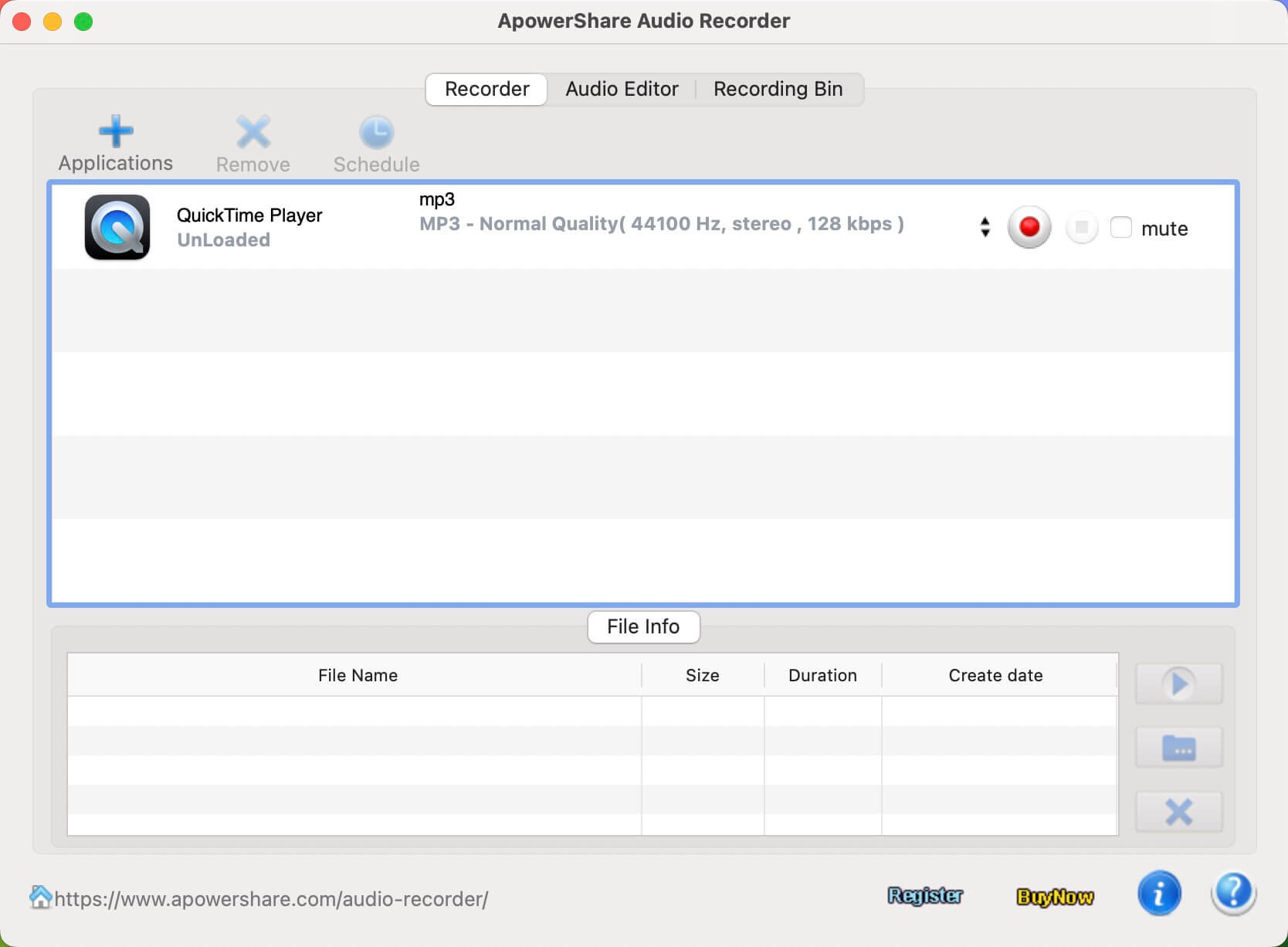
After installing the software finished, please launch it on your Mac, you will get below main interface.
STEP 2. Purchase License for ApowerShare Audio Recorder
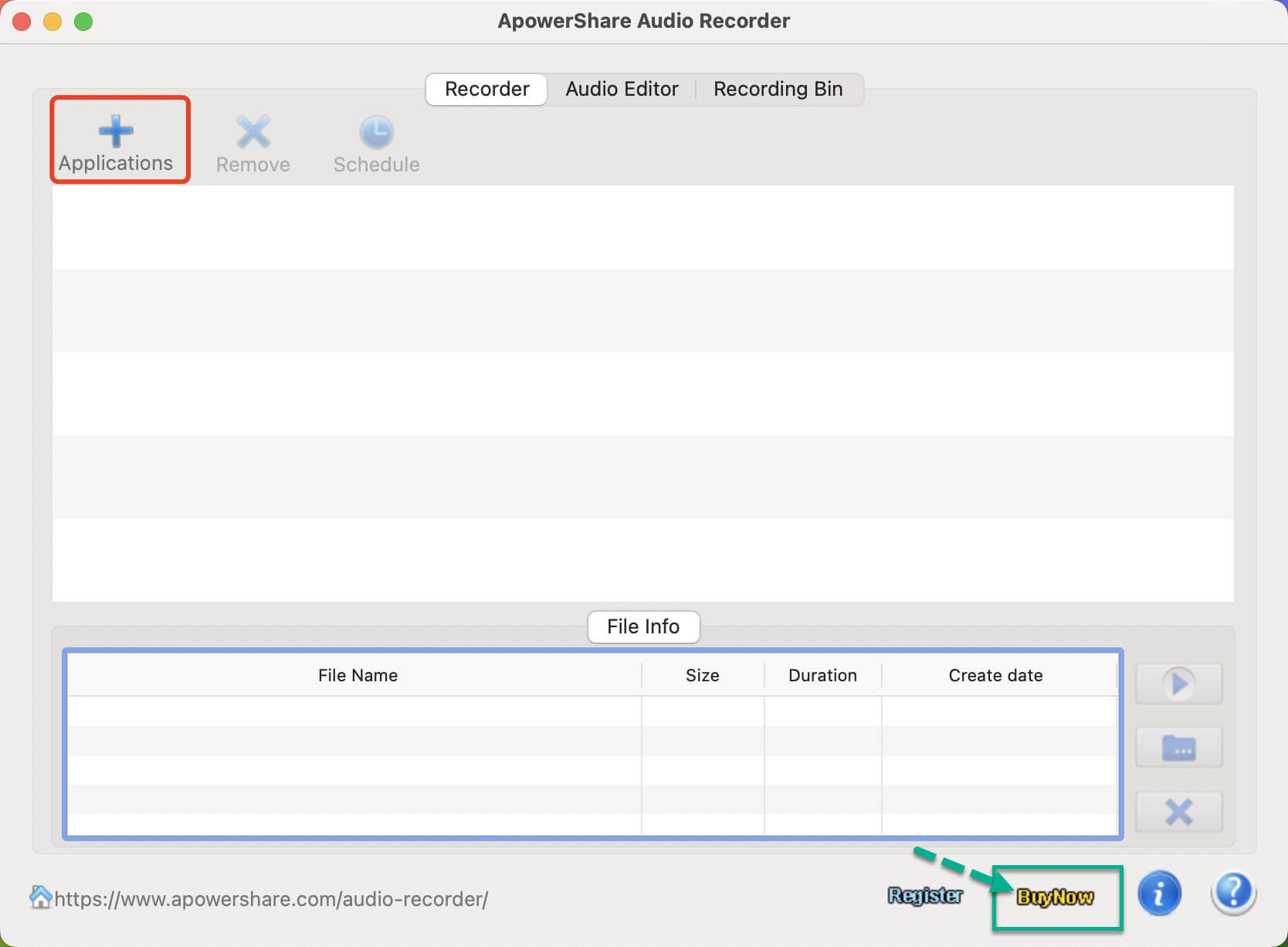
When you launch ApowerShare Audio Recorder under a free trial, if you want to unlock all features, please hit "Buy Now" to get a license if you don't have one.
STEP 3. Receive License Key in Email
During the purchase, you are required to enter your email address to receive the license key. Once the purchase completes, open your mail box and check whether you have received it.
STEP 4. Activate ApowerShare Audio Recorder
When you successfully receive the license key, simply navigate back to ApowerShare Audio Recorder and hit to “Register” button on the bottom right corner.

Then put your license code into the bar to register it, the software will be registered successfully.